Meme & Profile Pic Maker
Design custom memes instantly or create circular social media profile pictures with premium borders.
Design Parameters
Choose a template or upload your own.


Related Tools
Explore more free tools that pair well with this one.
AI Image Generator
Generate and edit high-quality AI images for free. Create beautiful photos from prompts with Stable Diffusion/Flux or upload your own images to edit styles (Sketch, Cartoon, Neon, Vintage) instantly.
AI Voiceover Studio
Generate natural and high-quality AI voiceovers entirely in your browser. Clone voices and convert text to speech for free using client-side AI.
YouTube Hashtag Generator
Generate highly relevant and SEO-optimized YouTube hashtags for better video visibility. 100% free and runs offline.
AI Text Humanizer
Rewrite ChatGPT, Gemini, and Claude text to sound naturally human. Removes robotic AI phrasing and varies sentence rhythm, free and instant in your browser.
SVG Shape Generator
Generate customizable vector SVG waves, layered section dividers, and animated organic blob shapes inspired by GetWaves.io & Blobmaker.app. Export clean SVG code, Data URI, React JSX, and .svg files.
Unicode Font Generator
Generate cool Unicode fonts for your Instagram, Twitter, TikTok, and WhatsApp bios. 35+ stylish fonts including cursive, gothic, double-struck, small caps, and live profile preview mockup.
Create Memes & Social Profile Pictures Free
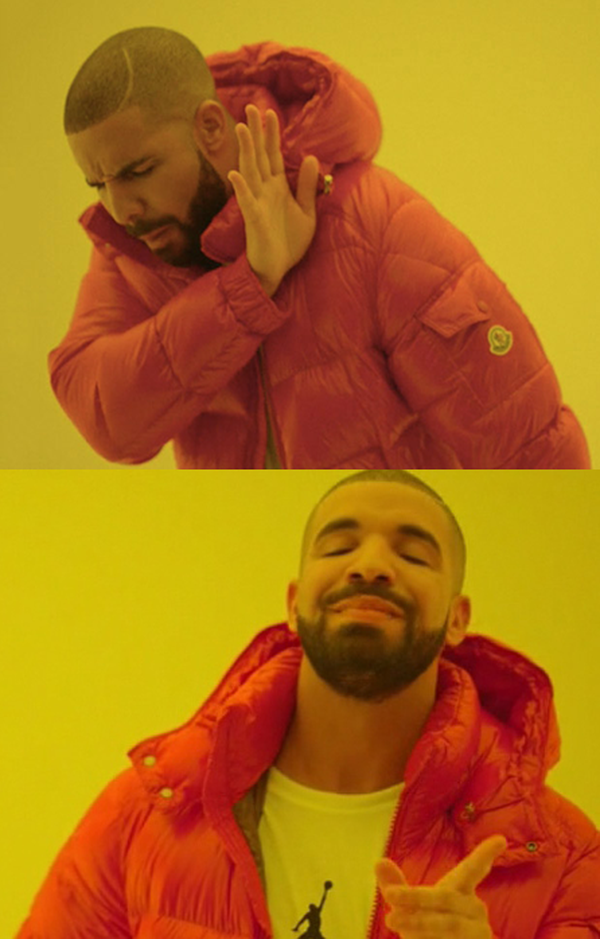
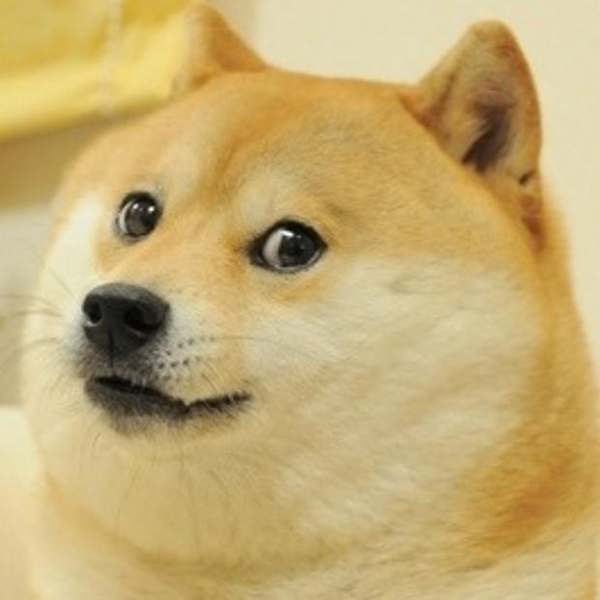
Visual content drives social media engagement. Our online Meme Creator gives you a 100% free solution to design classic memes in seconds. By utilizing a client-side HTML5 canvas, the editor loads your preset layouts (like Drake, Two Buttons, or Doge) or your custom templates, overlays customized top and bottom titles, and renders outline margins without degrading the resolution.
In addition, our Profile Picture Maker utilizes the robust Cropper.js API to enable circular cutouts. Most messaging platforms (like WhatsApp, Instagram, Telegram, or LinkedIn) crop user avatars into round layouts. Our generator allows you to pre-crop your photos, add custom background padding fills, and adjust border thickness/color parameters so that your profile picture stands out cleanly.
What This Tool Actually Does
This page is really two small applications sharing one interface, switched with the "Meme Generator" and "Profile Picture Maker" tabs above. The Meme Generator draws a template image onto a fixed 500×500 HTML5 canvas, then stamps your top and bottom captions on top of it in a bold Impact-style font with a stroked outline. The Profile Picture Maker takes a photo you upload, lets you frame a perfectly circular crop using the Cropper.js library, and exports it with an optional colored ring border and background fill.
Both tools are intentionally simple and single-purpose rather than trying to be a full graphic design suite. There is no layer system, no multiple text boxes, and no filter stack. What you get instead is a fast, distraction-free workflow: pick an image, type your caption or frame your crop, and download a finished PNG in seconds — the same trade-off classic meme generators like Imgflip made popular, just packaged as a free, ad-light, in-browser tool.
How the Meme Generator Engine Works
Under the hood, the meme canvas is a plain 2D drawing surface. When you pick one of the four built-in thumbnails (Drake, Two Buttons, Distracted Boyfriend, Doge), the tool loads that image from the memegen.link template library over the network and stretches it to fill the full 500×500 square. If you instead click "Upload Custom Template," your local file is read directly into memory with the browser's FileReader API and drawn the same way — nothing about a custom template ever leaves your device.
Your Top Text and Bottom Text fields are automatically converted to uppercase, matching the classic meme aesthetic, and rendered with 800 weight Impact, sans-serif. Each caption is measured word-by-word and automatically wrapped onto multiple lines if it is too wide for the 480px safe area, so long captions will not run off the edge of the image. The bottom caption's vertical position shifts upward automatically to accommodate extra wrapped lines, keeping it anchored near the bottom edge instead of spilling past it.
Every letter is drawn twice: once as a 5px-wide stroke in your chosen Outline Color, then again as a solid fill in your chosen Text Color. That stroke-then-fill order is what produces the familiar thick black-bordered white meme text, and because both colors are fully customizable via the color pickers, you are not limited to the traditional black-and-white combination if you want a different look.
How the Circular Profile Picture Maker Works
The Profile Picture Maker is built on Cropper.js, a widely used open-source cropping library. Once you choose a photo, it is loaded straight from your device using FileReader and handed to Cropper.js with a locked 1:1 aspect ratio and a circular view-box overlay (created purely with CSS border-radius: 50% on the crop mask, since Cropper.js itself only crops rectangles internally). You drag the image to reposition it within the fixed circular frame; the crop box itself is not resizable, which keeps the output perfectly square and avoids accidental distortion.
When you click "Download Profile Photo," the tool first asks Cropper.js for a 500×500 cropped canvas of just the framed area. It then draws that result onto a second canvas inside a circular clipping path, so any square corners left over from the crop are discarded. If you set a border thickness above 0px, a colored ring is stroked around the circle afterward using your chosen Border Color, and the area behind the image (visible only if you reduce the image size relative to the frame) is filled with your chosen Background Fill color before the image is composited on top.
Step-by-Step: Creating a Meme
Start on the "Meme Generator" tab, which is selected by default. Click one of the four preset thumbnails to load a ready-made template, or click "Upload Custom Template" to use your own image file — a screenshot, a photo, or any picture you want to caption. The canvas on the right updates immediately once the image finishes loading.
Next, type your caption into the Top Text and/or Bottom Text fields. You do not need to type in capital letters; the tool uppercases everything automatically. Adjust the Text Color and Outline Color swatches if the default white-on-black combination does not stand out well against your chosen image, and raise or lower the Font Size value (15–80px) until your caption fits comfortably. Every change you make redraws the canvas instantly, so you can fine-tune everything live before exporting. When you are happy with the result, click "Download Meme Image" to save a PNG file named with a timestamp to your device.
Step-by-Step: Creating a Circular Profile Picture
Switch to the "Profile Picture Maker" tab, then click "Choose Photo file" and select an image from your device. As soon as it loads, a circular crop frame appears over your photo. Drag the image itself to reposition it — since the crop box is fixed, you move the picture underneath it rather than resizing a selection rectangle.
Use the Border Thickness slider if you want a visible ring around your final avatar (0–30px), and pick a Border Color and Background Fill color that complement your photo or match your brand palette. When the framing looks right, click "Download Profile Photo" to export a 500×500 circular PNG with transparent corners removed, ready to upload directly to WhatsApp, Instagram, Discord, LinkedIn, or any other platform that displays round avatars.
Practical Use Cases
The Meme Generator is handy for reacting to trending news with a quick Drake or Distracted Boyfriend caption, adding humor to a group chat, building lightweight marketing memes for a brand's social feed, or turning a screenshot from your own app or product into a shareable joke. Because custom templates are supported, it also works for captioning personal photos, not just the four built-in formats.
The Profile Picture Maker is useful any time you need a clean circular avatar fast — refreshing a LinkedIn headshot, preparing a Discord or Slack profile photo with a border that matches a community's brand color, cropping a photo for a Zoom or Teams profile, or preparing consistent round avatars for a team page where every headshot needs the same border treatment.
Limitations to Keep in Mind
The meme canvas is fixed at 500×500 pixels and always stretches the loaded template to fill that square, so a non-square source photo will appear slightly squashed or stretched rather than being smart-cropped to preserve its original proportions. There is also only one caption position each for top and bottom — you cannot add a third free-floating text box, change the font family away from Impact, rotate text, or insert stickers and emoji overlays.
The four preset templates are fetched live from the third-party memegen.link image service, so selecting a preset (not a custom upload) requires an active internet connection; if that service is temporarily unreachable, the preset thumbnails may fail to load. The Profile Picture Maker's crop box is fixed in size and shape by design (a locked 1:1 circle) rather than freely resizable, and it does not currently offer brightness, contrast, or filter adjustments — it is a cropping and border tool, not a photo editor.
Tips for Better Results
For memes, keep captions short and punchy — the wrapping logic handles longer text gracefully, but classic meme formats read best with one short line per caption. If your image is busy or light-colored near the top or bottom edges, switch the Outline Color to a darker shade or increase contrast between Text Color and Outline Color so the caption stays legible. Upload square or near-square custom images when possible to avoid visible stretching on the fixed 500×500 canvas.
For profile pictures, start with a photo where your face or subject is reasonably centered, since the crop box cannot be resized independently — you are repositioning the photo, not the frame. A subtle border (around 6–10px) in a brand or platform accent color tends to look cleaner than a very thick ring, and choosing a Background Fill that matches your photo's dominant edge color helps hide any thin gaps if you zoom the image out slightly within the circle.
How It Compares to Other Online Meme & Avatar Makers
Compared to full-featured meme sites that require an account, show watermarks on free exports, or run captions through a server, this tool keeps everything in your browser: your custom template uploads, your typed captions, and your uploaded profile photo are never sent to our servers for processing. The trade-off is fewer bells and whistles — no meme community feed, no trending-template browser beyond the four presets, and no built-in sticker library — in exchange for speed, privacy, and zero cost.
Against dedicated circular-crop apps or design tools like Canva, this Profile Picture Maker trades template libraries and multi-shape cropping for a single, fast, purpose-built flow: upload, drag, set a border, download. If you only need a round avatar with an optional colored ring — not a full design canvas with text, stickers, and multiple export shapes — the smaller, focused tool is usually faster to finish a task in, since there is no menu hunting or account sign-in required before you can export.
Browser Compatibility & Performance
Both tools rely on the HTML5 Canvas API, the FileReader API, and CSS <input type="color"> pickers, all of which are supported in current versions of Chrome, Edge, Firefox, and Safari on both desktop and mobile. Because every operation runs on your device's own processor rather than a remote render queue, performance depends on your hardware: typical photos and templates redraw instantly, while very large custom uploads (multi-megapixel photography, for example) may take a brief moment to decode before the canvas updates.
No plugins, extensions, or additional software installs are required. Since the four preset meme templates are pulled from memegen.link, older or privacy-hardened browsers that block third-party image requests may show a broken thumbnail for those presets specifically — switching to a custom-uploaded template avoids that dependency entirely, since local files never touch the network. On mobile devices, both tools work through the same tap-to-upload file picker used by native camera roll access, so you can caption a meme or crop an avatar directly from a phone or tablet without needing a desktop browser.
Privacy & Client-Side Processing
Both the meme canvas and the Cropper.js engine run entirely inside your browser using the HTML5 Canvas API and the FileReader API. A custom meme template you upload, and any photo you crop into a profile picture, is read directly into local memory and never transmitted to any server for processing — the only network requests this tool makes are to fetch the four optional preset template images from memegen.link when you select them, and to load the page's own fonts and scripts. When you click a download button, the finished PNG is generated locally and handed straight to your browser's file-save mechanism.
This client-side design also means closing the tab or losing your internet connection mid-session does not put your image anywhere except your own device — there is no draft saved to a remote account, and nothing to delete later on a server, because nothing was ever uploaded there in the first place. If you refresh the page, however, your current canvas state is not preserved automatically, so it is worth downloading a copy before navigating away if you want to keep editing a caption or crop later.
Frequently Asked Questions
Our canvas rendering system uses your chosen Font Size, sets the stroke thickness to a fixed 5px, and draws that outline using your custom Outline Color selector so text stays readable on both dark and light backgrounds.
Meme canvas is optimized for standard 500x500 square dimensions, which is standard for image sharing on social feeds and messaging networks.
Yes. Cropper.js reads raw binary buffers straight from your browser file uploader directly to memory, without performing any data requests or uploads.
Not currently. The Meme Generator supports exactly two caption fields — Top Text and Bottom Text — matching the classic meme layout. There is no third free-floating text box, and captions are always drawn in the Impact-style font rather than a selectable font family.
Yes. The four built-in thumbnails (Drake, Two Buttons, Distracted Boyfriend, Doge) are fetched live from the memegen.link image service when selected, so you need an active connection to load them. Uploading your own custom template does not require this, since that image is read locally from your device.
The meme canvas always draws your template into a fixed 500×500 square. It does not smart-crop non-square images, so a wide or tall custom upload will be stretched to fill that square. For best results, upload an image that is already close to a 1:1 aspect ratio.
No, the crop box itself is fixed at a locked 1:1 circular ratio and cannot be resized or moved. Instead, you reposition and drag the photo underneath the fixed frame until the part you want is centered inside it.
Both tools export a 500×500 pixel PNG file. Memes are saved as zee-meme-[timestamp].png and profile pictures as zee-profile-[timestamp].png, generated instantly from the canvas using your browser's built-in PNG encoder.
No. The border is stroked inside the same fixed 500×500 canvas, along the edge of the circle, rather than added on top of it. Increasing the Border Thickness slider effectively shrinks the visible photo area slightly to make room for a thicker ring, so the final image size never changes.
No. Neither the meme canvas nor the profile picture export adds any watermark, logo, or attribution text to your downloaded PNG — the exported file contains only your template image, captions, or cropped photo and border.